Grammar check for this computer
Pick the grammar check asset that matches the computer in front of you. On a normal 64-bit Windows PC take Lexicon_*_x64-setup.exe. On Windows ARM take the arm64 setup. On older 32-bit Windows take the x86 setup. On Apple silicon take Lexicon_*_aarch64.dmg. On Intel Macs take Lexicon_*_x64.dmg. On Debian or Ubuntu family Linux take Lexicon_*_amd64.deb.
Quick chooser
| Machine | Asset | Next step |
|---|---|---|
| Windows x64 | Lexicon_*_x64-setup.exe | Run setup, then open Lexicon |
| Windows ARM | Lexicon_*_arm64-setup.exe | Run setup from the same tag |
| Windows x86 | Lexicon_*_x86-setup.exe | Only when the PC is 32-bit |
| Mac Apple silicon | Lexicon_*_aarch64.dmg | Open dmg; handle Gatekeeper |
| Mac Intel | Lexicon_*_x64.dmg | Open dmg; handle Gatekeeper |
| Linux amd64 | Lexicon_*_amd64.deb | sudo dpkg -i then launch |
Rights and network
You need permission to install desktop software and enough disk for the app plus an optional model later. The first grammar check fetch needs network. Proofreading after install can stay offline. Soft parks stay parked for winget and brew on this path.
Prove it on this machine
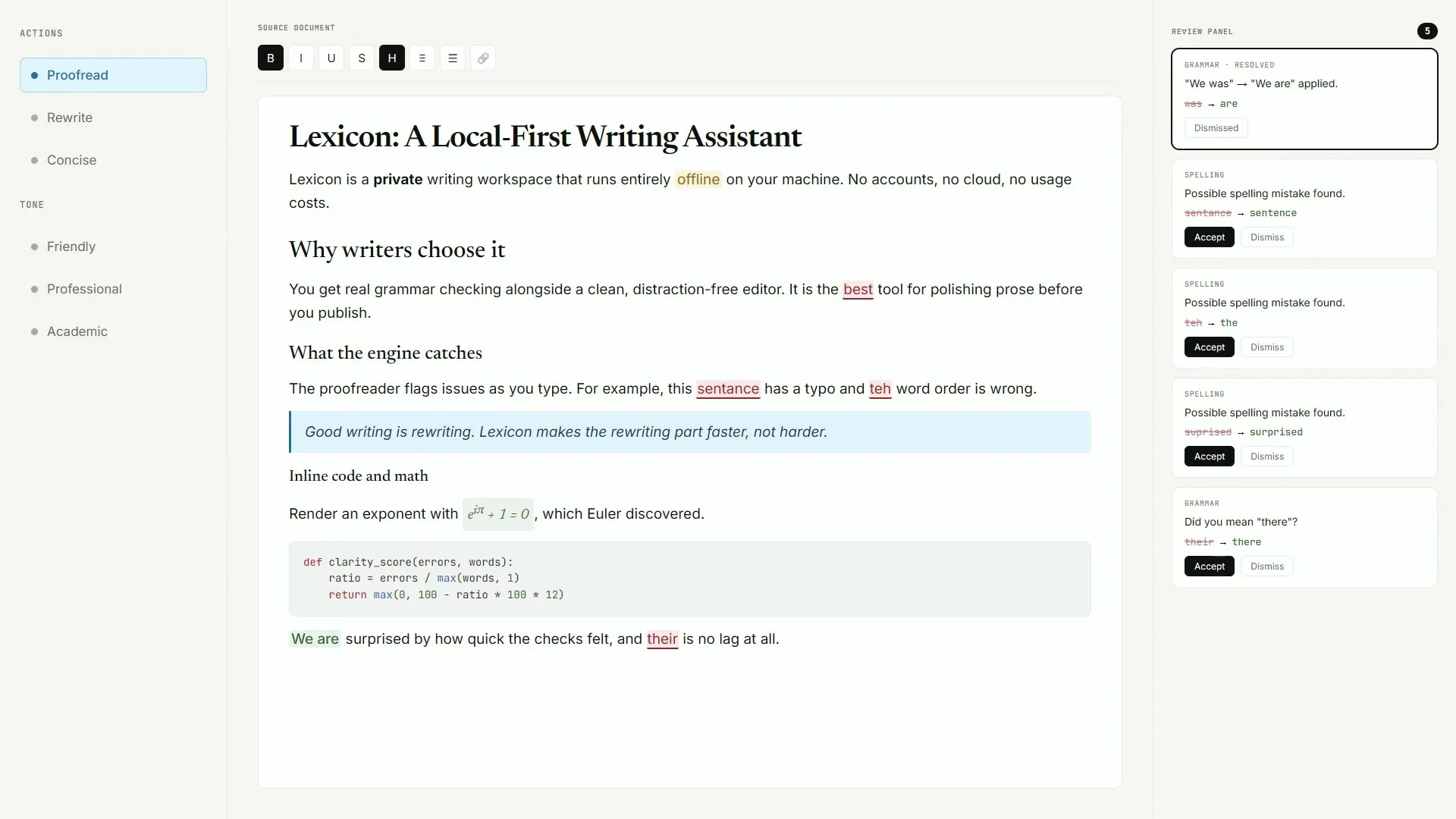
After install, open Lexicon, paste three sentences, and run one proofread. If squiggles appear, the grammar check path works on this computer. Only then decide whether to download Light or Standard local AI models.
Guides: Windows, macOS, Linux, first hour.
Keep the door boring
- Prefer AashishH15/Lexicon Releases for every grammar check bump
- Write the asset name beside the OS version on the ticket
- Prove one local proofread after reimage or travel setup
Soft parks stay parked
No winget package id and no Homebrew cask for this Lexicon writing app were found on the research date. Prefer named Releases assets instead of inventing package manager doors for grammar check installs on shared desks.
Desk checklist
- Confirm the GitHub Releases URL for AashishH15/Lexicon
- Match Lexicon_* filenames to your operating system
- Handle SmartScreen or Gatekeeper prompts honestly
- Run one grammar check proofread before optional AI models
Shared machine notes
Family PCs, club laptops, and classroom images all need the same boring grammar check note: which file, which tag, and who proved the first pass. Keep browser writing tools as a fallback until the local habit sticks for the whole room.
Checkpoint: one grammar check proofread works and Releases stays bookmarked.
Frequently asked questions
Which grammar check file fits my Windows PC?
Most desks want Lexicon_*_x64-setup.exe. Use arm64 or x86 setups only when that matches your hardware. All three sit on the same AashishH15/Lexicon release tag. Prefer AashishH15/Lexicon GitHub Releases for Lexicon_*_x64-setup.exe on Windows or the matching macOS dmg and Linux deb, then prove one local grammar check proofread before you change team habits or download optional AI models.
Which grammar check dmg fits my Mac?
Apple silicon Macs should take Lexicon_*_aarch64.dmg. Intel Macs should take Lexicon_*_x64.dmg. Both ship on the current release tag. Prefer AashishH15/Lexicon GitHub Releases for Lexicon_*_x64-setup.exe on Windows or the matching macOS dmg and Linux deb, then prove one local grammar check proofread before you change team habits or download optional AI models.
Can I use grammar check without admin rights?
You need enough rights to run the Windows setup or install the Linux deb. If install rights are missing, keep a browser writing tab as a temporary fallback. Prefer AashishH15/Lexicon GitHub Releases for Lexicon_*_x64-setup.exe on Windows or the matching macOS dmg and Linux deb, then prove one local grammar check proofread before you change team habits or download optional AI models.
Do I need winget for grammar check on this PC?
No. No winget package id was found for this Lexicon writing app. Prefer the Releases setup for this computer. Prefer AashishH15/Lexicon GitHub Releases for Lexicon_*_x64-setup.exe on Windows or the matching macOS dmg and Linux deb, then prove one local grammar check proofread before you change team habits or download optional AI models.
What proves grammar check works here?
Lexicon opens, a short draft loads, and one local proofread shows suggestions. That proof beats collecting extra downloaders. Prefer AashishH15/Lexicon GitHub Releases for Lexicon_*_x64-setup.exe on Windows or the matching macOS dmg and Linux deb, then prove one local grammar check proofread before you change team habits or download optional AI models.
Return to the grammar check home when you need the Install panel again.