Grammar check on GitHub: Lexicon repo map
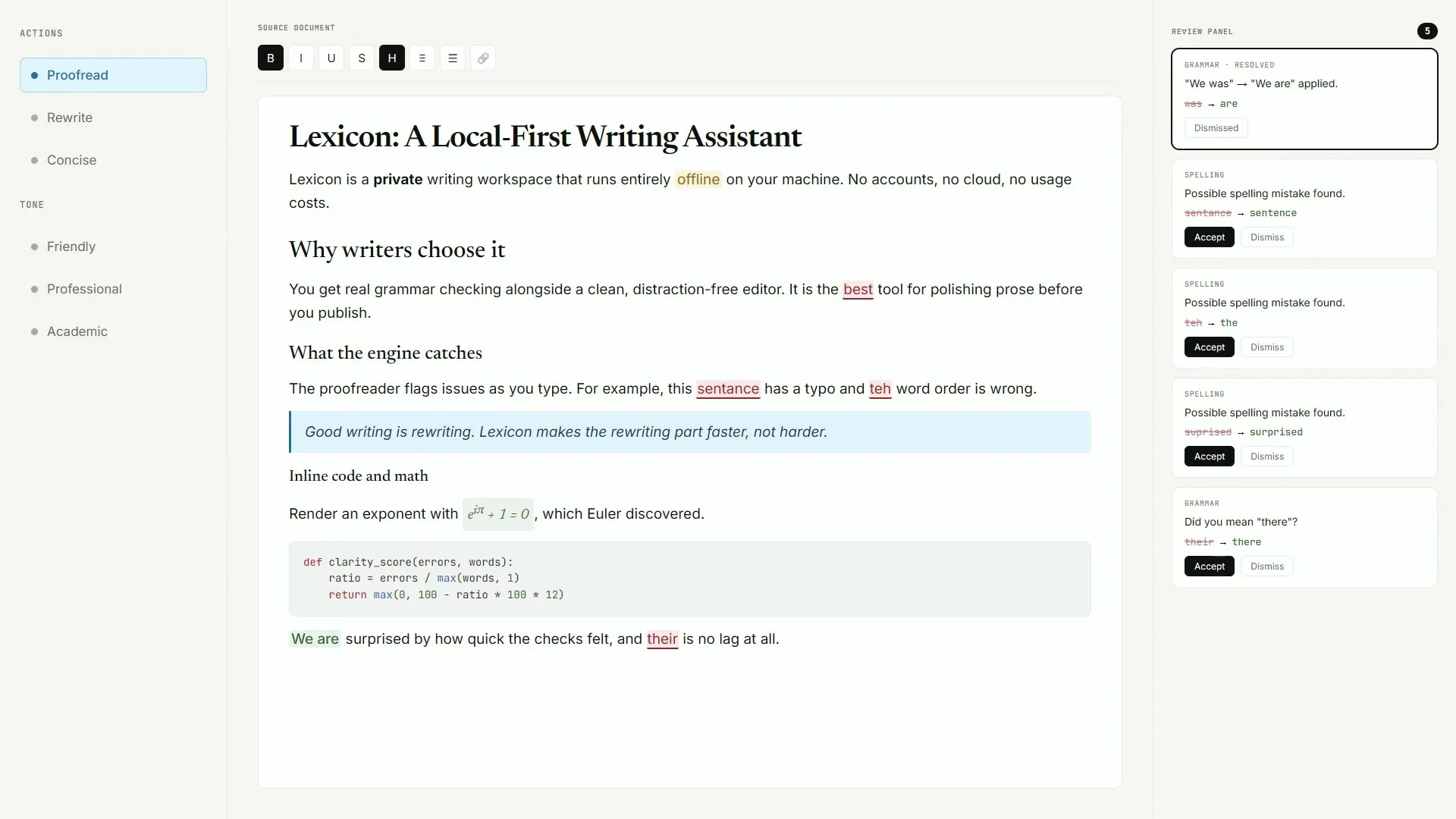
The grammar check source tree for this guide lives at AashishH15/Lexicon. The repository holds the MIT licence, README install notes, and the Releases feed that attaches Lexicon_*_x64-setup.exe, macOS dmg files, and the Linux deb. Prefer that org and repo name when you verify a download.
What to open first
- README for SmartScreen, Gatekeeper, and first-launch model notes
- Releases for the named installers
- LICENSE for the MIT grant
- Security tab for vulnerability reporting
Stars and push dates shown in the site footer come from the live GitHub API at build time. They are not typed into the copy. When you compare forks, confirm the release assets still use the Lexicon_* naming that this grammar check guide documents.
Issues and Discord
Upstream points issue discussion and community chat at Discord links in the README. This install guide does not host binaries and does not replace upstream support. Corrections about install commands can follow the contact path on the trust pages after you re-check Releases.
Developer vs packaged app
The packaged desktop app is the recommended path for everyday grammar check work. Running from source needs Python, Node, and Java for the LanguageTool development backend. The packaged installer already bundles its own runtime so end users skip that stack.
Bookmark AashishH15/Lexicon Releases as the only installer door you teach teammates for this grammar check client.
Related: releases file map, download safely, safety.
Keep the door boring
- Prefer AashishH15/Lexicon Releases for every grammar check bump
- Write the asset name beside the OS version on the ticket
- Prove one local proofread after reimage or travel setup
Soft parks stay parked
No winget package id and no Homebrew cask for this Lexicon writing app were found on the research date. Prefer named Releases assets instead of inventing package manager doors for grammar check installs on shared desks.
Desk checklist
- Confirm the GitHub Releases URL for AashishH15/Lexicon
- Match Lexicon_* filenames to your operating system
- Handle SmartScreen or Gatekeeper prompts honestly
- Run one grammar check proofread before optional AI models
Shared machine notes
Family PCs, club laptops, and classroom images all need the same boring grammar check note: which file, which tag, and who proved the first pass. Keep browser writing tools as a fallback until the local habit sticks for the whole room.
Checkpoint: one grammar check proofread works and Releases stays bookmarked.
Frequently asked questions
Is the grammar check source public?
Yes. AashishH15/Lexicon is public under MIT. You can read the licence, README, and release assets before you install the desktop client. Prefer AashishH15/Lexicon GitHub Releases for Lexicon_*_x64-setup.exe on Windows or the matching macOS dmg and Linux deb, then prove one local grammar check proofread before you change team habits or download optional AI models.
Where do grammar check installers attach?
Installers attach to GitHub Releases on AashishH15/Lexicon. Prefer Lexicon_*_x64-setup.exe on Windows and the matching dmg or deb for other systems. Prefer AashishH15/Lexicon GitHub Releases for Lexicon_*_x64-setup.exe on Windows or the matching macOS dmg and Linux deb, then prove one local grammar check proofread before you change team habits or download optional AI models.
Should I build grammar check from source?
Only if you need a development setup. Everyday desks should take the packaged setup, dmg, or deb from Releases so the runtime is already bundled. Keep that grammar check habit boring with one bookmarked Releases URL and one proven local proofread written on the machine ticket.
How do I verify I am on the right grammar check repo?
Confirm the org and name are AashishH15/Lexicon, the licence file is MIT, and the release assets use Lexicon_* filenames before you run anything. Prefer AashishH15/Lexicon GitHub Releases for Lexicon_*_x64-setup.exe on Windows or the matching macOS dmg and Linux deb, then prove one local grammar check proofread before you change team habits or download optional AI models.
Does this guide host the grammar check binary?
No. Download links point at GitHub Releases for AashishH15/Lexicon. Proof Quill publishes the install notes only. Prefer AashishH15/Lexicon GitHub Releases for Lexicon_*_x64-setup.exe on Windows or the matching macOS dmg and Linux deb, then prove one local grammar check proofread before you change team habits or download optional AI models.
Return to the grammar check home when you need the Install panel again.